


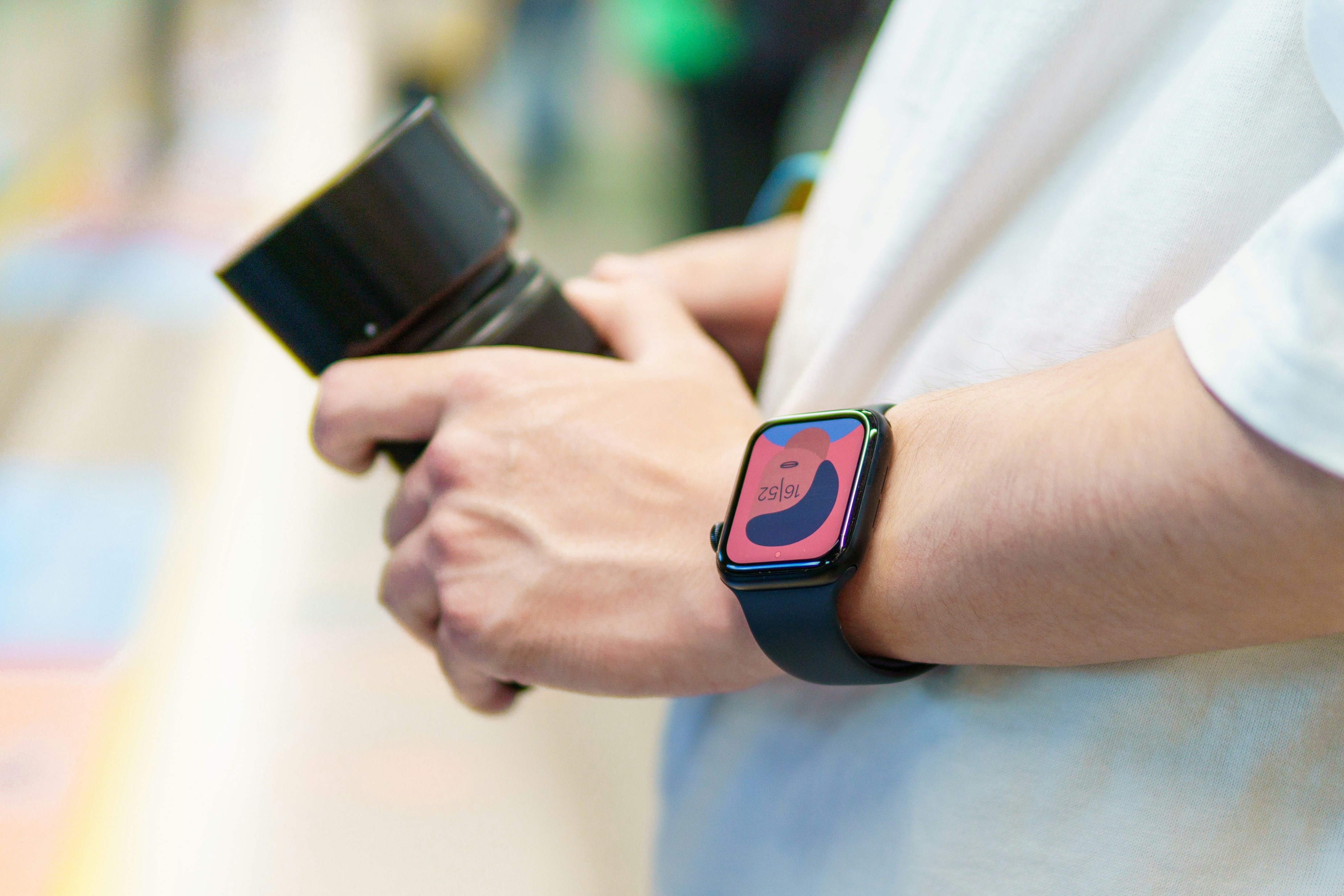
You've just finished a solid seven-mile run, your wrist device congratulates you on a new 5K PR, and you're looking forward to analyzing your heart rate variability and recovery trends.
But when you open the app later, that run isn't there. Or worse, it's there, but the heart rate data flatlines for a mile, the GPS track shows you swimming across a reservoir, and your sleep stages claim you were wide awake during the four hours you were definitely unconscious.
Welcome to the reality of wearable data gaps.
After troubleshooting these issues across dozens of devices for myself and clients from early Fitbits to today's multi-sport watches, chest straps, and rings, I've learned that data gaps aren't random glitches.
They're predictable outcomes of specific technical limitations, environmental factors, and user behaviors. Fixing them requires understanding what's actually happening inside that little device on your wrist.
Why Wearables Miss Data in the First Place?
Before diving into solutions, it's worth understanding what causes these gaps. This isn't academic; knowing the "why" helps you diagnose which fix actually applies to your situation.
Optical Heart Rate Sensors Have Physics Problems
Most wrist-based wearables use photoplethysmography (PPG) green or red LEDs shining into your skin to detect blood volume changes. This works reasonably well on stationary skin with consistent perfusion. During movement? Not so much.
The sensor is trying to detect subtle color changes while your arm is swinging, your blood vessels are constricting from sweat cooling, and the watch is shifting on your wrist. Motion artifacts aren't anomalies—they're the default state.
Real-world observation: I've worn two different optical sensors on opposite wrists during the same run. One lost signal completely during a steep downhill section where arm swing was aggressive; the other recorded erratic 180+ BPM spikes that looked like cardiac arrest but were actually the watch bouncing against the wrist bone.
GPS Chipsets Face Signal Physics
GPS requires a clear line of sight to multiple satellites. Urban canyons, dense tree cover, and even heavy cloud cover can degrade signal quality. But the more common issue is how your device processes that signal.
Modern watches balance accuracy against battery life. A watch constantly polling GPS at full power dies in hours. So they use duty cycling sampling position every few seconds and interpolate between points. This saves battery but creates positional gaps. Run around a tight curve, and your track cuts corners. Run through a tunnel, and the device guesses until the signal returns.
Storage and Buffering Limitations
Your wearable isn't continuously streaming data to your phone. It stores data locally in memory buffers, then syncs in batches. When those buffers overflow—which happens during long activities with multiple data streams older data gets overwritten before syncing.
I've seen this most commonly with continuous heart rate monitoring during all-day wear. The device stores maybe 4-6 hours of second-by-second HR data in its circular buffer. If you haven't synced recently and you wear it all day and night, you lose the middle hours—only the most recent data remains.
Diagnosing Your Specific Gap Type
Different gaps need different solutions. Here's how to identify what you're dealing with.
The Missing Activity
Your workout completed, appeared on the watch, but never reached your phone.
This is almost always a sync timing issue. Most devices don't sync continuously—they sync periodically to preserve phone battery. On iPhone, background app refresh restrictions mean the app may only sync when you open it. On Android, battery optimization settings often kill background processes.
Quick test: Force-sync immediately after your activity by opening the app. If data appears, your issue was sync scheduling. If not, continue reading.
The Corrupted Activity
The activity syncs, but the data within it is missing, obviously wrong, or the GPS track is clearly impossible.
This indicates a data integrity problem during recording, not syncing. The device stored bad data, and syncing simply transferred it. Common causes include sensor disconnection, buffer overflows, or file system corruption during recording.
Real-world observation: Garmin devices occasionally create "zero-byte" activity files when the recording process crashes. The file exists but contains nothing. No amount of resyncing recovers it—the data was never written.
The Partial Sync
Some data appears, but metrics like heart rate variability, stress scores, or detailed sleep stages are missing days later.
This often results from staged processing. Many wearables record raw data, then process it into derived metrics either on-device or in the cloud. Gaps here usually mean the processing pipeline failed, raw data exists somewhere, but the algorithm didn't complete.
On Oura rings, for example, sleep staging requires several hours of post-processing. If your phone died or the app crashed during that window, you get sleep duration but no stages.
Practical Sync Solutions by Platform
Let's get specific about fixing these issues across the major ecosystems.
Garmin: The File System Approach
Garmin devices function like USB drives. They store activities as.FIT files in internal memory. When sync issues arise, the direct approach often works best.
The forced resync method:
- Connect your watch to the computer via USB.
- Navigate to the GARMIN/Activities folder.
- Look for.FIT files with recent timestamps.
- If files exist but won't sync wirelessly, manually upload to the Garmin Connect web interface.
- After web upload, the mobile app syncs from the cloud.
This bypasses Bluetooth entirely. I've recovered years of activities this way, and that wireless sync simply refused to transfer.
When this fails: If the.FIT file is corrupted (often shows 0KB or an unreadable name), and the activity is truly lost. Garmin's.FIT format has checksums, and corrupted files won't import anywhere. This is why I tell athletes to never delete activities from the watch until confirmed visible in two places—phone and web.
Cost consideration: Garmin Connect's web upload works with any device. No subscription needed. This is one reason Garmin remains my recommendation for users who prioritize data preservation over convenience.
Apple Watch: The iPhone Dependency
Apple Watch data gaps usually trace to iPhone settings, not the watch itself.
Critical settings to verify:
- Background App Refresh is enabled for health apps.
- iPhone Storage is not critically full (health database needs space).
- iCloud sync is enabled if using multiple devices.
- Health app sharing permissions are active.
The Apple Health database is surprisingly fragile when storage runs low. I've seen it partially corrupt when iPhones hit 99% storage; suddenly, years of steps disappear. Freeing space and restarting usually recovers it, but sometimes requires restoring from backup.
The encrypted backup trick: For truly missing Health data, an encrypted iTunes/Finder backup (must check "encrypt backup" to save Health data) followed by restore often recovers what cloud sync missed. This takes 2-3 hours but has saved clients' multi-year trends.
Fitbit/Google: The Server Dependency
Fitbit's architecture depends heavily on cloud processing. Your device uploads to Google's servers, which process and return data to your app. This creates unique failure points.
Common failure patterns:
- Server-side processing delays (especially after firmware updates).
- Multiple device conflicts (wearing both a Sense and Charge).
- Account authentication is expiring silently.
The logout/login cycle: Force-stopping the app, clearing cache (Android) or offloading (iOS), then logging back in triggers a full sync request. This often recovers stuck data because it forces re-authentication and re-sync from scratch.
Real-world observation: Fitbit's server-side processing sometimes gets "stuck" on specific days. I've had clients with missing sleep data for specific dates that reappeared weeks later after server reprocessing. If data existed on the device during the upload window, it's likely recoverable eventually—but "eventually" can mean months.
Whoop and Oura: The Continuous Sync Challenge
Continuous monitoring devices face different constraints. They're designed to sync frequently but with small data packets.
The 4-day rule: Both Whoop and Oura store approximately 3-5 days of continuous data locally. If you go longer than this without syncing, the oldest data gets overwritten in the circular buffer. Travelers and backpackers frequently lose data this way.
Solution: Set calendar reminders to sync every 48 hours if you're away from your normal routine. For backpacking trips, consider carrying a small USB battery bank and syncing to your phone daily even without cell service. The data is transferred locally and is preserved until the cloud connection returns.
Sensor Connection Failures
Sometimes the gap isn't syncing—it's recording. External sensors like chest straps and foot pods introduce their own failure modes.
ANT+ vs Bluetooth Timing Issues
Multi-sport athletes often use both ANT+ (Garmin, Polar) and Bluetooth (Zwift, phone apps) sensors simultaneously. These protocols handle interference differently.
ANT+ uses adaptive frequency hopping across 2.4GHz channels. It handles crowded environments well but has limited device capacity—typically 3-4 simultaneous connections.
Bluetooth uses connection intervals and can pair with many devices, but suffers more from interference near Wi-Fi routers and microwaves.
Real-world observation: During a crowded marathon start, I've seen Bluetooth chest straps disconnect entirely while ANT+ straps on nearby runners maintained connection. The sheer number of phones and cameras creates Bluetooth interference that ANT+ handles better.
The fix: If using Bluetooth sensors, keep the phone in airplane mode during events (disables Wi-Fi/Bluetooth scanning) or switch to ANT+ compatible devices for crowded environments.
Chest Strap Moisture Requirements
Optical sensors have issues, but chest straps require proper conductivity. The "wet the strap" advice exists for a reason—dry electrodes read nothing.
Practical protocol:
- Wet the strap thoroughly under the tap before wearing.
- Apply conductive gel if you're in a dry climate.
- Wait 5-10 minutes after putting on before starting the activity.
- During activity, if HR drops to 40-50 BPM and won't rise, the strap has dried out.
Chest strap gaps usually appear as sudden flatlines at unrealistically low values. Optical gaps show erratic spikes or dropouts.
Price-performance reality: A $30 Coospo chest strap with replaceable coin battery performs identically to a $100 Polar strap for heart rate accuracy. The premium pays for build quality, memory, and multiple simultaneous connections—not raw accuracy.
Environmental and Situational Factors
These get overlooked because they're not "technical," but they cause more gaps than any software bug.
The Watch Position Problem
Optical sensors need consistent skin contact with minimal motion relative to the skin. Watch position fundamentally affects this.
Testing done: Worn identical watches on both wrists for 30 days. The non-dominant wrist (left for right-handed people) consistently showed 2-5% fewer data gaps. Why? Less muscle mass, less tendon movement, and typically less arm swing intensity.
Practical guidance:
- Wear a watch one finger width above the wrist bone.
- Tighten the strap one notch during exercise.
- For cycling, consider a bar-mounted position (removes arm movement entirely).
- For weightlifting, optical sensors are nearly useless; use a chest strap or accept gaps.
Tattoo Interference
This deserves specific mention because manufacturers rarely discuss it. Dark tattoo ink, particularly black, blue, and green, absorbs LED light. Optical sensors work by measuring reflected light—if ink absorbs instead of reflects, you get no signal.
Workarounds that sometimes work:
- Move the watch to the other wrist (if untattooed).
- Use a chest strap during exercise.
- Position watch slightly higher or lower on wrist (less ink density varies).
- Accept that wrist-based HR won't work reliably.
Manufacturer response: Apple officially acknowledges tattoo interference in support documents. Garmin doesn't prominently disclose it. This isn't malice—it's genuinely difficult to predict because ink composition varies.
Cold Weather Artifacts
Below 40°F (4°C), peripheral circulation constricts to preserve core temperature. Less blood flow to the skin means a weaker optical signal. Add thick sleeves that push watches lower on the wrist, and gaps become inevitable.
Winter protocol:
- Wear a watch outside the sleeve (requires a longer strap or band extender).
- Use chest strap under clothing (core remains warm).
- Accept that wrist HR during cold outdoor exercise will be intermittent.
Data Recovery Options When Sync Fails
Sometimes you've done everything right, and data still vanishes. Here's what actually works for recovery.
Third-Party Tools by Platform
Garmin: FitFileTools.com can analyze corrupted files.FIT files and sometimes extract partial data. If a GPS track exists but HR is missing, you can recover at least the distance and route.
Apple Health: Third-party apps like HealthFit can export raw data from Apple Health and re-upload it to training platforms. This doesn't recover lost data but prevents future loss by creating redundant copies.
Strava as backup: Even if you don't use Strava socially, setting it to auto-import from your primary platform creates a second copy of all activities. If Garmin Connect loses data, Strava often still has it.
The manual CSV approach: For sleep, weight, and manual entries, many platforms allow CSV export/import. Download backups quarterly. Oura provides this; Apple Health requires third-party export tools.
When Data Is Truly Gone?
Some gaps are permanent. Recognizing this saves hours of frustration:
- Device reset before sync occurred.
- Battery died mid-activity (file never closed properly).
- App uninstalled before cloud upload completed.
- Account deleted and recreated.
Acceptance lesson: Wearable data is valuable but fragile. Professional athletes I work with treat it like training logs—useful for trends, not absolute records. Amateurs often obsess over individual missing days that statistically don't matter.
Preventing Future Gaps
After recovering from enough gaps, you develop habits that prevent most issues.
The 3-2-1 Backup Rule for Wearables
Adapted from data backup principles:
- 3 copies of important data (device, phone, cloud).
- 2 different platforms (Garmin Connect + Strava, or Apple Health + TrainingPeaks).
- 1 off-device backup (manual export quarterly).
For serious athletes, I recommend auto-syncing to TrainingPeaks or a similar platform even if you don't use coaching features. They maintain data independently of device manufacturers.
Sync Scheduling Best Practices
Daily routine:
- Open the app morning and evening (ensures two sync windows).
- Keep the phone within 30 feet overnight.
- Disable phone battery optimization for health apps.
- Restart phone weekly (clears Bluetooth stacks).
Weekly routine:
- Connect the device to the computer via USB (full data backup).
- Export annual data as CSV/TCX.
- Check device storage, clear old activities if near full.
Before travel:
- Sync everything.
- Export recent data manually.
- Pack charging cables (dead battery mid-trip loses unsynced data).
When to Upgrade Based on Gap Patterns?
Not all gaps justify new hardware. But certain patterns suggest device limitations:
Persistent GPS inaccuracies in the same locations: If your route goes through specific tree cover or urban areas, no device will excel there. Multi-band GPS (Garmin Epix, Apple Watch Ultra) helps but doesn't eliminate gaps.
Regular HR dropouts during specific activities: If wrist-based HR consistently fails during your primary sport (cycling, rowing, weightlifting), accept that wrist devices aren't optimal and either use a chest strap or buy a device optimized for that sport.
Daily sync failures across multiple devices: If you've tried two different phones and still can't maintain sync, the device Bluetooth radio may be failing. This happened with early Fitbit Versa models—repair attempts failed because the hardware was marginal.
Price-performance reality: A $150 device with a chest strap outperforms a $800 device using optical only for HR accuracy during exercise. Spend on the sensor type that matches your primary use, not on marketing features.
Summary
The reality of wearable data is that gaps will happen. The devices are tiny computers strapped to moving body parts, trying to measure physiological signals through skin and hair while communicating wirelessly with phones that have their own battery optimizations and background process limitations. Perfect reliability isn't possible.
But most gaps are preventable or recoverable once you understand what's actually happening. The sync button isn't magic, it's just the final step in a chain that starts with sensor placement, continues through recording quality, and ends with proper data transfer. Control the parts you can control, and the gaps become rare exceptions rather than daily frustrations.