


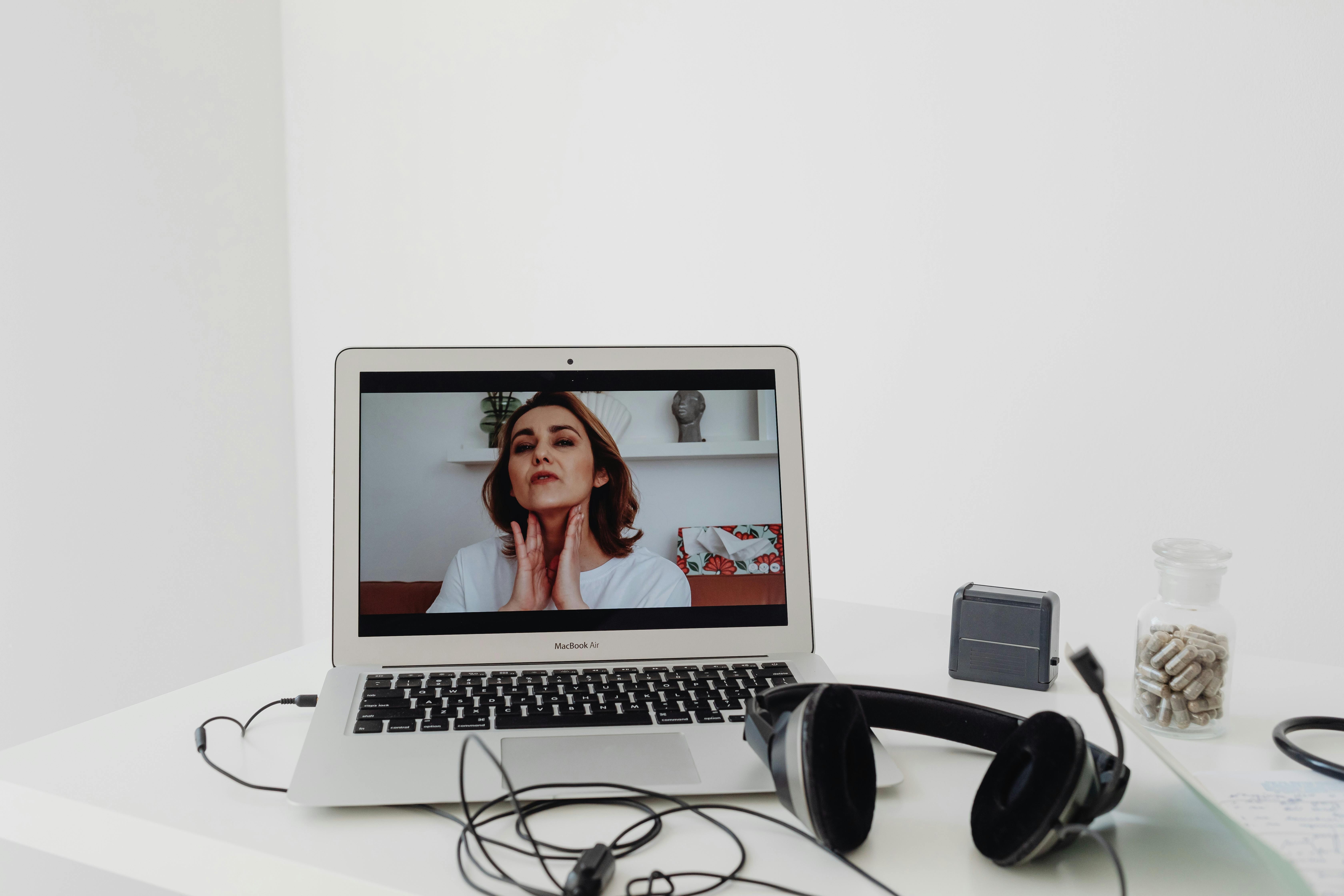
You are staring at an email with a confusing blue link, your appointment is tomorrow, and you are suddenly terrified the camera will not work, the doctor will not be able to hear you, and you will be charged for a medical visit that never actually happened.
Take a breath. To guarantee your first telehealth appointment goes smoothly, you just need to do three things right now: run a five-minute test of the app on your phone today, write your current medications and your three biggest questions on a physical piece of paper, and call the clinic to ask for a direct phone number in case the video completely fails. The rest is just talking to your doctor.
The anxiety you are feeling is completely normal. Healthcare is stressful enough when you are sitting in a normal exam room. Moving that experience onto a screen makes it feel like you are entirely responsible for the plumbing and electricity of the visit, on top of managing your own health. But you do not have to be a tech expert to master this. You just need a solid rehearsal.
Let's deal with the technology first
The absolute worst time to figure out how a telehealth app works is five minutes before your doctor is scheduled to appear. When people rush, they panic, and when they panic, they click the wrong buttons.
Instead, do a dress rehearsal 24 hours before your appointment. Open the email or text message your clinic sent you. Look at what they are asking you to do. Most large health systems use a portal like MyChart, while others might send a link for Teladoc, Amwell, or a secure version of Zoom for Healthcare.
If the email tells you to download an app, download it right now. Open it. Log in with the username and password you created. If you forgot your password, resetting it today takes two minutes. Resetting it tomorrow while the doctor is waiting will make your blood pressure spike.
If the email just gives you a web link, click it. You obviously will not see the doctor today, but the system will usually take you to a digital waiting room or give you a message saying your appointment is not active yet. That is a massive victory. It means the link works.
While you are holding your phone or tablet, check your battery. Video calls drain batteries faster than almost anything else you can do on a device. Make sure your device is plugged into a charger or at 100 percent before the call begins. Also, make sure you are connected to your home Wi-Fi rather than cellular data. Video requires a strong connection, ideally around 15 megabytes per second or higher, which most home internet plans easily handle, but cellular data can drop out if someone walks in front of the window or a truck drives by outside.
The classic camera and microphone trap
There is a moment right after you click the appointment link where your phone or computer will pop up a tiny box asking if the app can access your camera and microphone. People naturally hesitate to permit apps to do things, but you must click "allow" or "yes" here.
If you hit "deny" by accident, the app will block the doctor from seeing or hearing you, and fixing that deep in your phone's settings is incredibly frustrating. Give the app the permission it needs.
Treating your living room like an exam room
A doctor cannot listen to your heart through a screen, so they rely heavily on what they can see and what you can tell them. You need to set up your environment to help them help you.
First, think about lighting. If you sit with your back to a bright window, the camera will turn you into a dark shadow. The doctor needs to see your skin tone, your eyes, and your facial expressions to gauge how you are feeling. Turn around so the window is in front of you, lighting up your face.
Next, figure out where your phone or tablet is going to sit. Do not hold your phone in your hand. Your hand will shake, the camera will bounce, and the doctor will get motion sickness trying to watch you. Prop your phone up against a heavy coffee mug or a stack of books on a table. Position it so the camera is at eye level.
You also need to gather the physical data that the doctor usually collects in the triage room. When you read guidance from the CDC about managing chronic conditions at home, they heavily emphasize self-monitoring.
If you have a blood pressure cuff, take your blood pressure an hour before the appointment and write it down. Step on your bathroom scale and write down your weight. If you feel warm, use a thermometer and write down your exact temperature.
Do not rely on your memory for your medications. Go to your bathroom or kitchen and physically gather every single pill bottle, vitamin, and supplement you take. Put them in a pile on the table next to your device. When the doctor asks for the dosage of your blood pressure pill, you do not want to be guessing or walking away from the camera to go find it. You want to pick up the bottle and read it directly to them.
How does a real visit actually go for one family?
Consider what happened to a woman named Maria, who is 62 and helps manage care for her husband, David. David has a heart condition, and they had their first telehealth follow-up with his cardiologist last November. Maria was incredibly anxious about using the hospital’s specific video portal on her iPad.
The day before the visit, Maria called the front desk of the cardiology clinic. She confirmed the time, but she also asked the receptionist a crucial question: "If the video doesn't work, what phone number will the doctor call us from, and what number should I call if I get disconnected?" The receptionist gave her a direct back-office number.
The next day, five minutes into the video call, David’s iPad completely froze. The screen locked up, and the audio turned into a loud buzzing noise. Maria didn’t panic. She closed the iPad, picked up her cell phone, and called the back-office number.
The receptionist simply patched the doctor through on a standard audio call. The doctor finished the appointment over the phone, adjusted David's medication, and the clinic still processed it smoothly through their insurance. Because Maria planned for failure, a technical disaster was just a minor bump in the road.
The money part of staring at a screen
A lot of people worry that a video call is somehow not a real doctor's visit, or that their insurance will reject it and send them a massive bill. The landscape of telehealth billing changed rapidly over the last few years, but the rules have mostly settled in favor of the patient.
If you browse through Medicare.gov, you will find clear language stating that Medicare Part B covers telehealth services for standard medical visits, mental health counseling, and preventive screenings. You will generally pay the same amount you would if you received the service in person, which means your standard 20 percent coinsurance applies after your deductible.
For private insurance, the rules are similar. Most insurers treat a telehealth visit exactly like an office visit. If your normal copay to see your primary care doctor is $30, expect to pay a $30 copay for the video visit. You might be asked to pay this with a credit card right there in the app before the digital waiting room opens.
If you are losing sleep over the cost, flip your insurance card over today and call the member services number on the back. It usually takes about 10 to 15 minutes of waiting on hold, but simply asking the representative to confirm your telehealth coverage and copay amount will give you absolute peace of mind.
What happens when you click the blue link?
When the actual day arrives, plan to click the link and log in exactly 15 minutes before your scheduled time.
You will likely not see the doctor right away. Instead, you will enter a digital waiting room. Sometimes this is just a blank screen with text that says "Waiting for your provider." Sometimes there is quiet music. Do not navigate away from this screen, and do not open other apps on your phone, which can accidentally pause your video feed.
Often, a medical assistant or a nurse will pop onto the screen first. They will ask you to confirm your name and date of birth. They will ask about your current medications and why you are seeing the doctor today. They will write down the home vitals you gathered earlier.
Then, they will put you back in the digital waiting room. You might sit there staring at yourself for another ten minutes. This is normal. Just like a physical clinic, doctors run behind schedule.
If the screen stays blank for too long
If you have been sitting in the digital waiting room for 15 minutes past your appointment time and nobody has appeared, do not hang up. Keep the video window open, pick up your actual telephone, and call the clinic. Tell the front desk you are in the virtual waiting room and just want to make sure you are in the right place. Usually, they will send a quick message to the doctor to let them know you are waiting.
Making sure the doctor actually hears you
When the doctor finally appears on the screen, the hardest part is over. Now you just need to communicate effectively.
Start with your most important issue. Doctors call this the "doorway question"—when a patient waits until the doctor has their hand on the doorknob to leave before bringing up their most terrifying symptom. Do not wait. Look at the piece of paper where you wrote down your three biggest questions. Tell the doctor right away, "I want to make sure we have time to talk about this new pain in my shoulder, and I need a refill of my diabetes medication."
If the doctor says a medical word you do not understand, stop them. Because of the slight audio delay on video calls, it is easy to just nod along when you are confused. Say, "I am sorry, I did not understand that word. Can you explain what that means for me?"
If they are prescribing a new medication, tell them exactly which pharmacy you use. Give them the street name or the intersection. Do not just say "CVS," because there might be four in your zip code. Ask them to send the prescription electronically before they end the video call, so you know it is done.
Privacy is also incredibly important here. According to federal guidelines from the HHS regarding telehealth, healthcare providers must use platforms that comply with strict privacy laws to protect your medical data.
But you have a role in privacy, too. Make sure you are in a room with a closed door where family members or neighbors cannot overhear sensitive health information unless you specifically want them there.
When you need someone else in the room?
If you normally bring a daughter, son, or spouse to your appointments to help you take notes and remember what the doctor said, bring them to the telehealth visit too. Pull up a second chair. Just introduce them to the doctor when the call starts so the provider knows who is off-camera. Having a second set of ears is just as valuable in your living room as it is in the clinic.
One thing worth doing before you close this tab
You have read how to prepare, but reading does not prevent technical issues. Before you do anything else today, go find the phone number for the clinic or doctor you are seeing tomorrow. Write that 10-digit number on a sticky note and put it directly on the screen of your computer or the back of your phone. If everything crashes tomorrow, that piece of paper is your lifeline to making sure you still get the medical care you need.
Disclaimer: This article is for informational purposes only and does not constitute medical, legal, or financial advice. Always consult a qualified healthcare provider, licensed attorney, or certified financial advisor before making decisions about your health, insurance, or medical care.